Fun Linux/Unix Tasks and Commands
Just a little context, this is a modified version of an assignment for my software security class so we are using the Seed Labs VM so if you want to follow along, set that up on your machine.
Task 1:
Item 1: Enable ssh
ssh is already enabled on the base vm.
Command:
ssh seed@seedvm.local.lan
This connects to the vm via ssh, command {use}@{host} and
systemctl status sshd
This asks the OS “what is the status of the sshd service?”
Output:
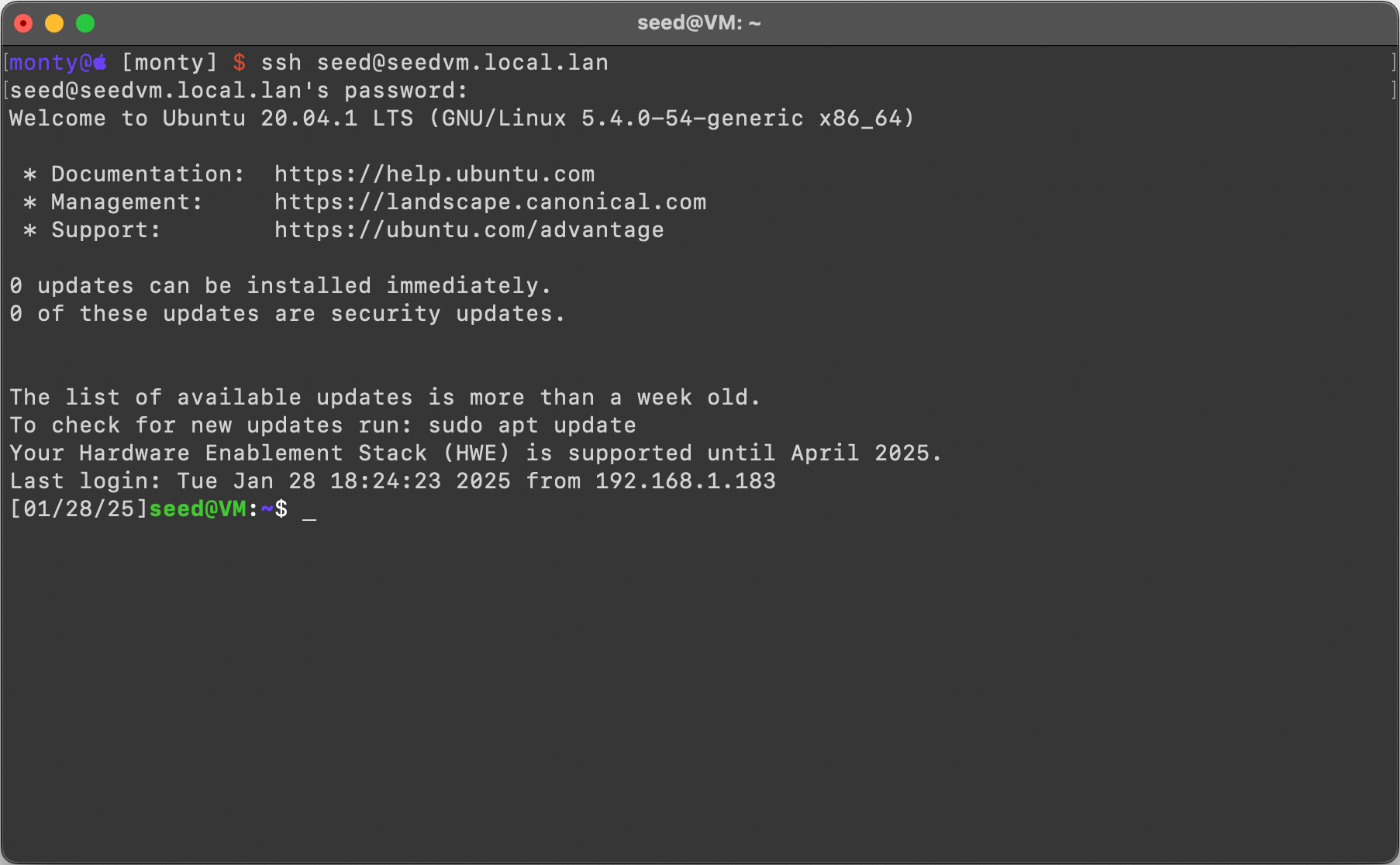
.png#center)
Item 2: Enable SFTP
sftp is already enabled on the base vm.
Command:
sftp seed@seedvm.local.lan
this connects to the vm using sftp, so command {user}@{host} and
ps aux | grep sftp
lists all running processes and filters the output to show only those related to sftp, helping check if an SFTP process is running
Output:

Task 2:
Item 1:download
Couldn’t use wget or curl, so had to download through my class canvas page 😓.
Item 2: copy the tarballs into ~/Documents
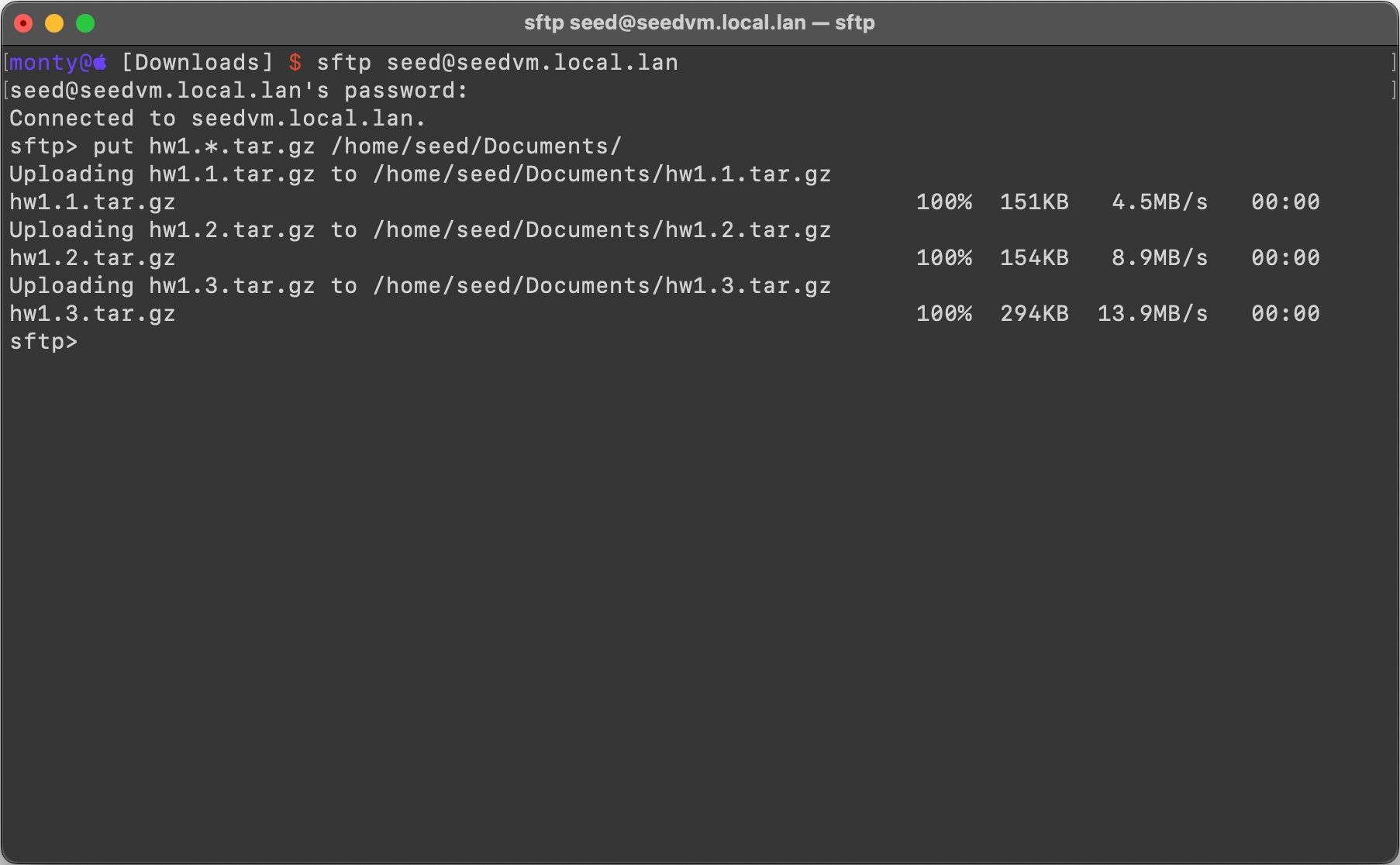
Command:
stfp> put hw1.*.tar.gz /home/seed/Documents/
Put is the command to move a file from local to remote and then the name of the local file, * to denote any hw1. file and then the location on the remote.
Output:
Item 3: decompress the tarballs
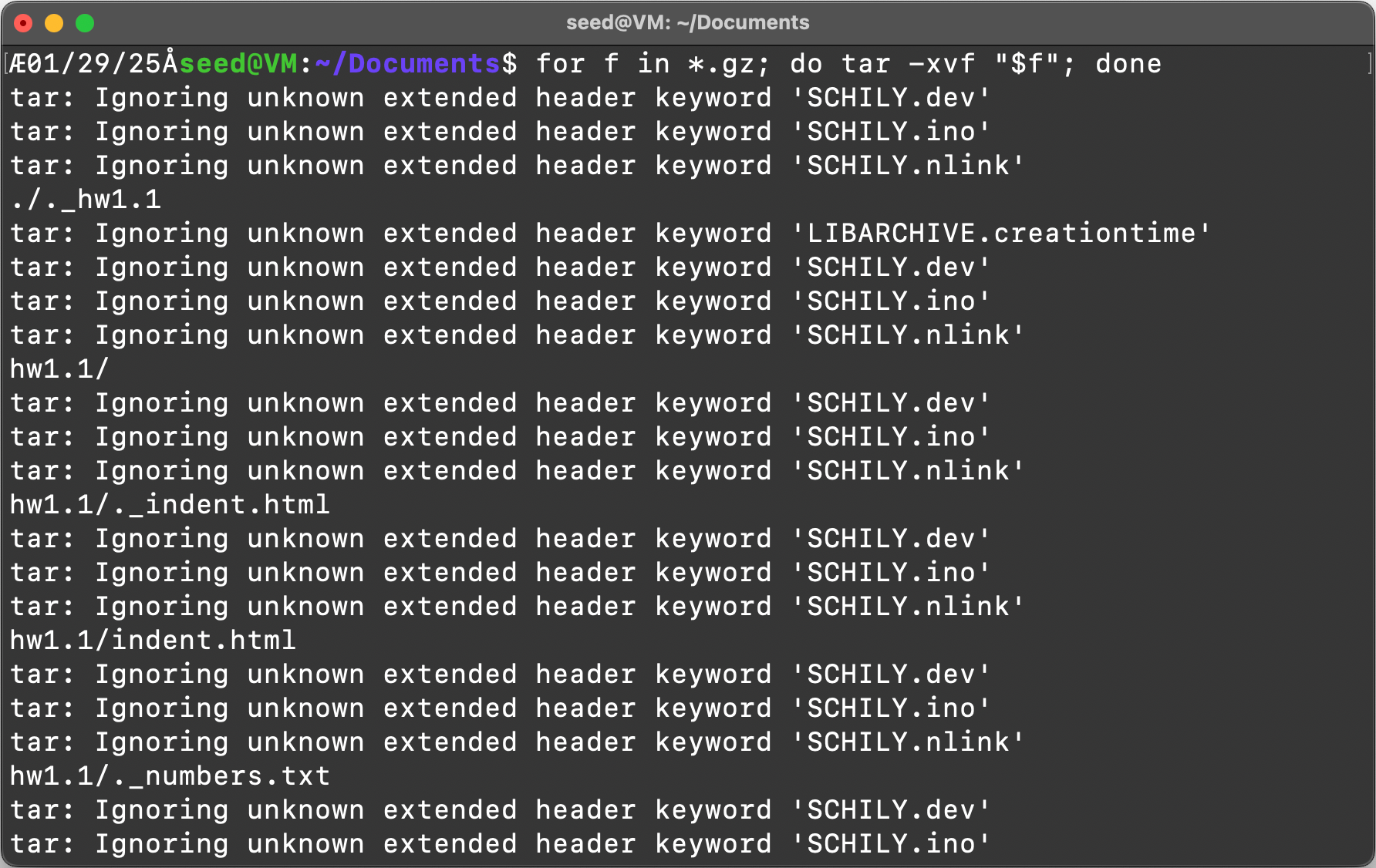
Command:
for f in *.gz; do tar -xvf “$f”; done
Loop through files ending in .gz and run the command “tar -xvf {file}” until the loop finishes.
Output:
.png#center)
Task 3:
Item 1: List the contents of the “hw1.1” directory using the “ls” command
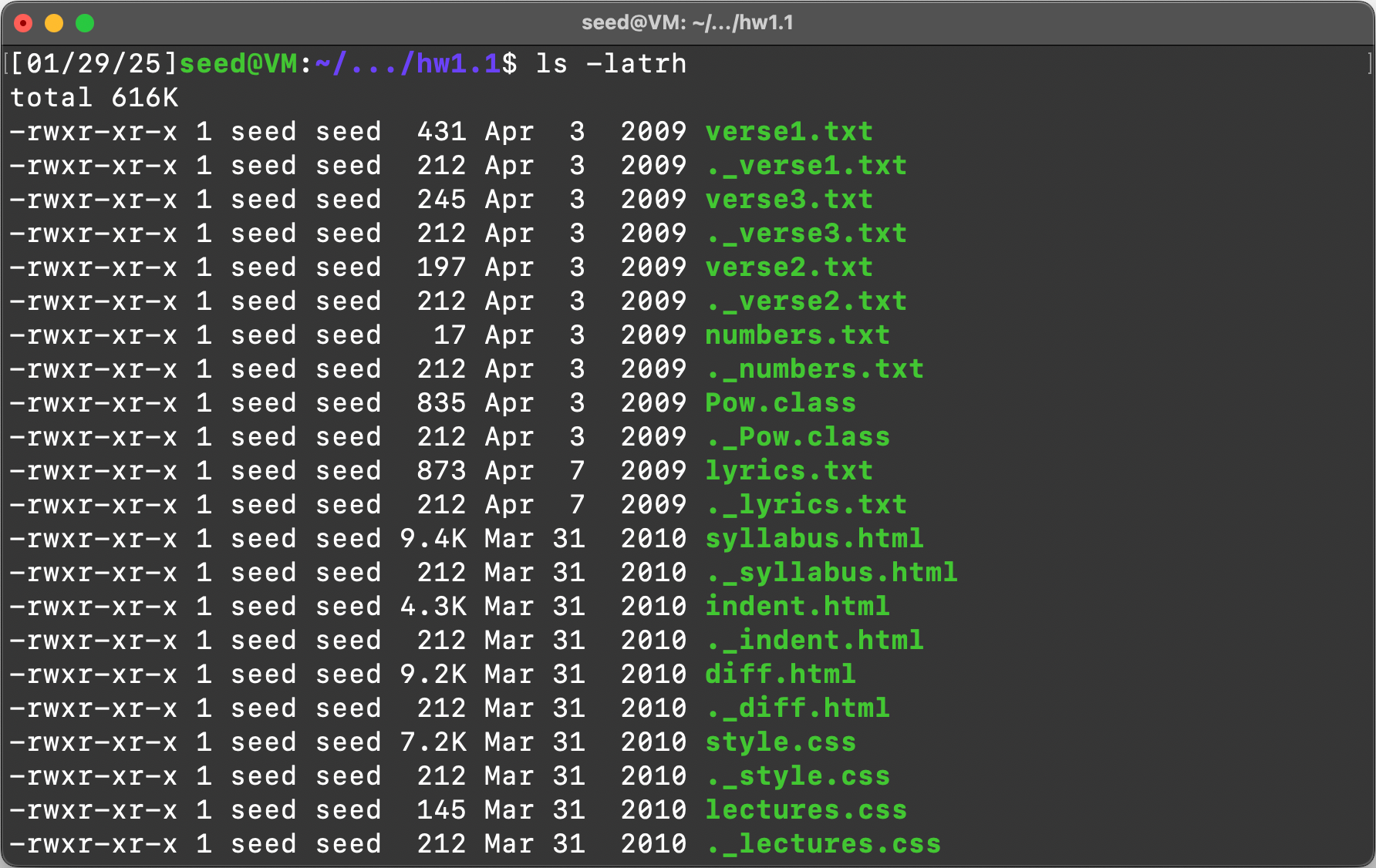
Command:
ls -latrh
ls, list command, -l is long listing, -a is show all files(show hidden), -tr is sort by time and then reverse, finally -h is human readable for the size of files.
Output:
.png#center)
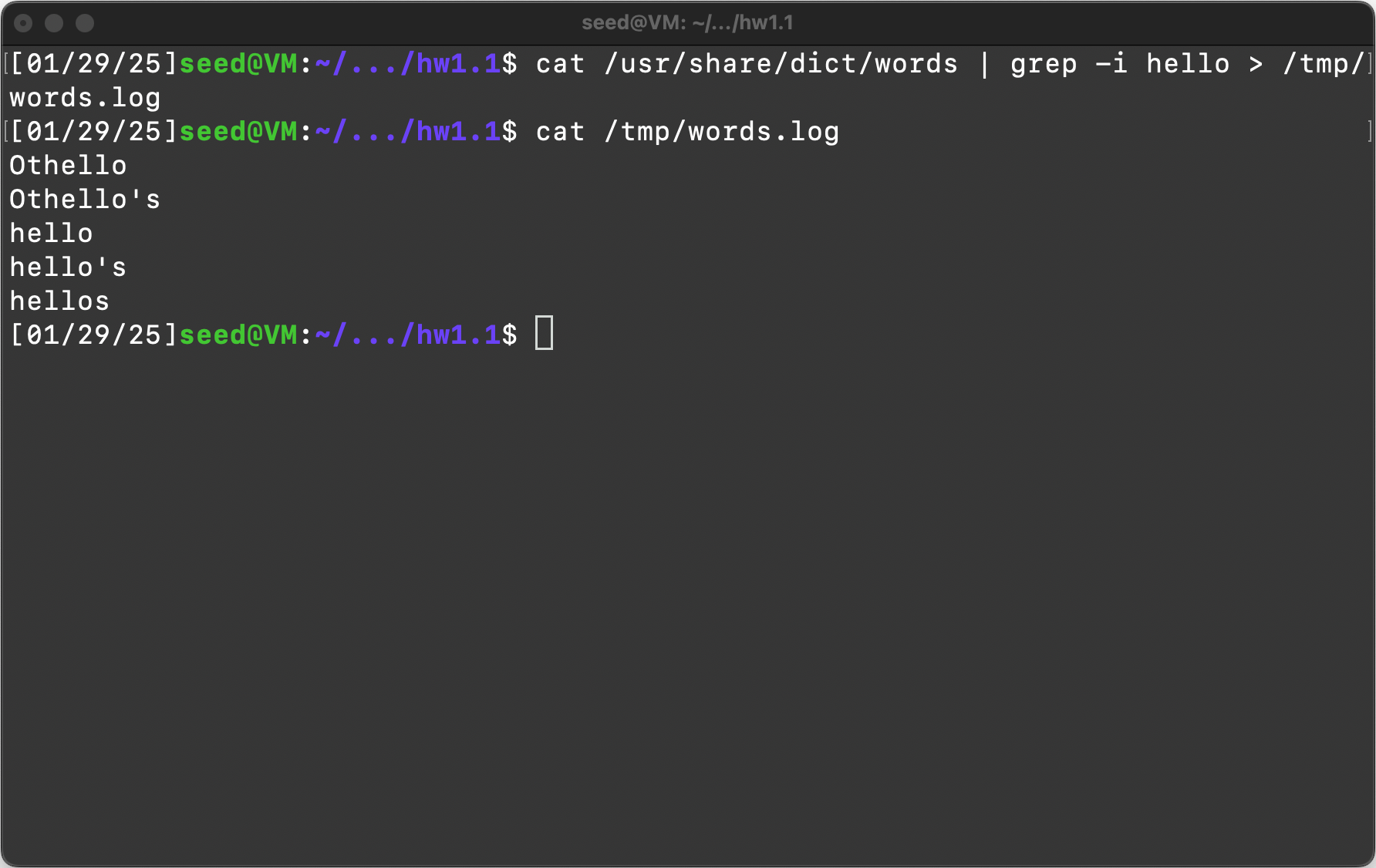
Item 2: Run the following command “cat /usr/share/dict/words | grep -i hello > /tmp/words.log”
Explanation:
This command is using the cat command to display the contents of /usr/share/dict/words to stdout but the “|” redirects this output to the input for the grep command, the -i is to have grep ignore the casing of the letters in the file, “hello” is the string we are searching for with grep, the “>” means we are going to write this output to a file, in this case /tmp/words.log.
Output:
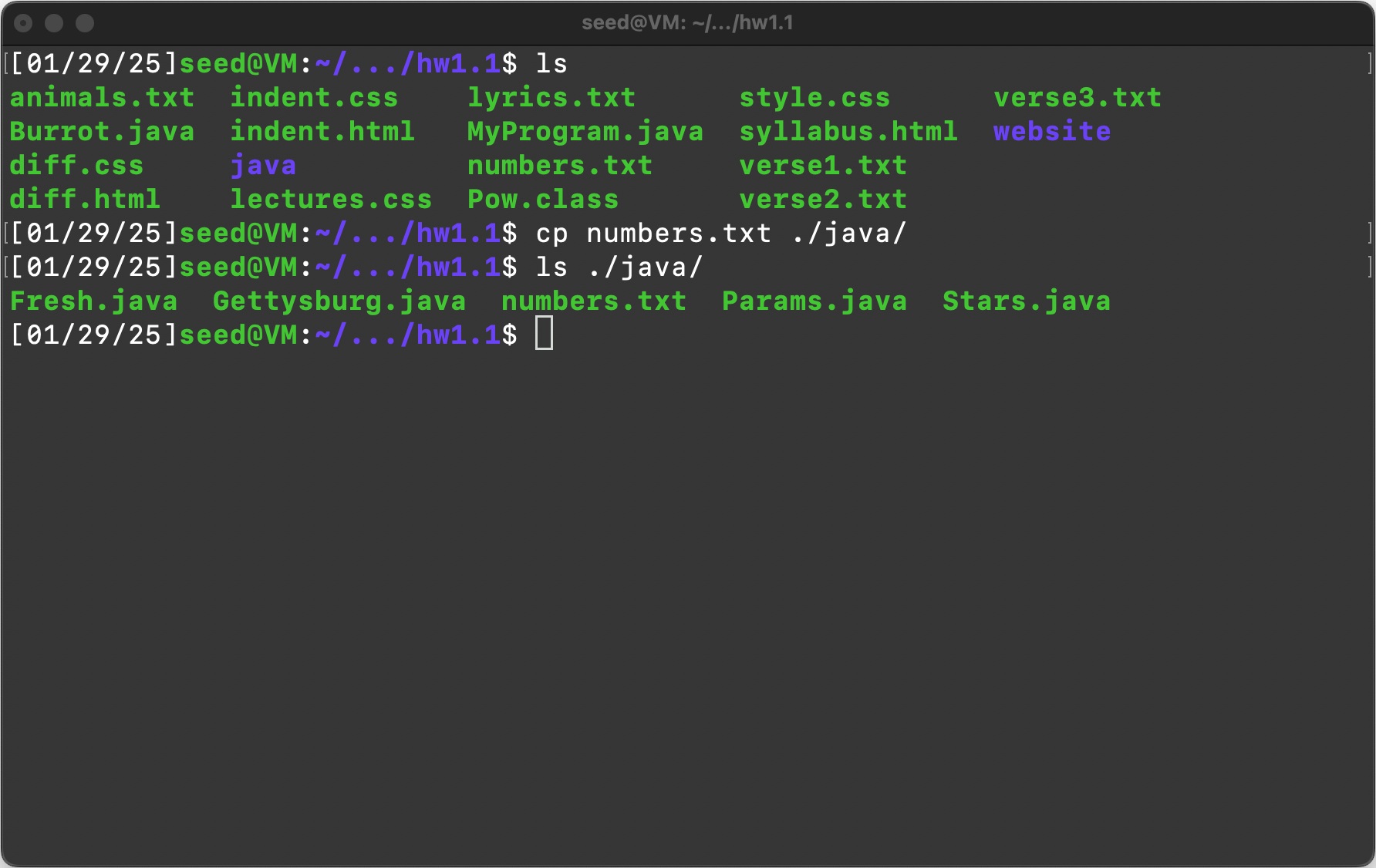
Item 3: Copy the file numbers.txt from the current directory to the java subdirectory
Command:
cp numbers.txt ./java/
Cp command is copy and then SOURCE DEST, in this case numbers.txt is in the current directory so just put the file name. Then DEST is ./java/ to show . is current directory and java/ shows it is a directory and then nothing after the last / means keep the file named numbers.txt
Output:
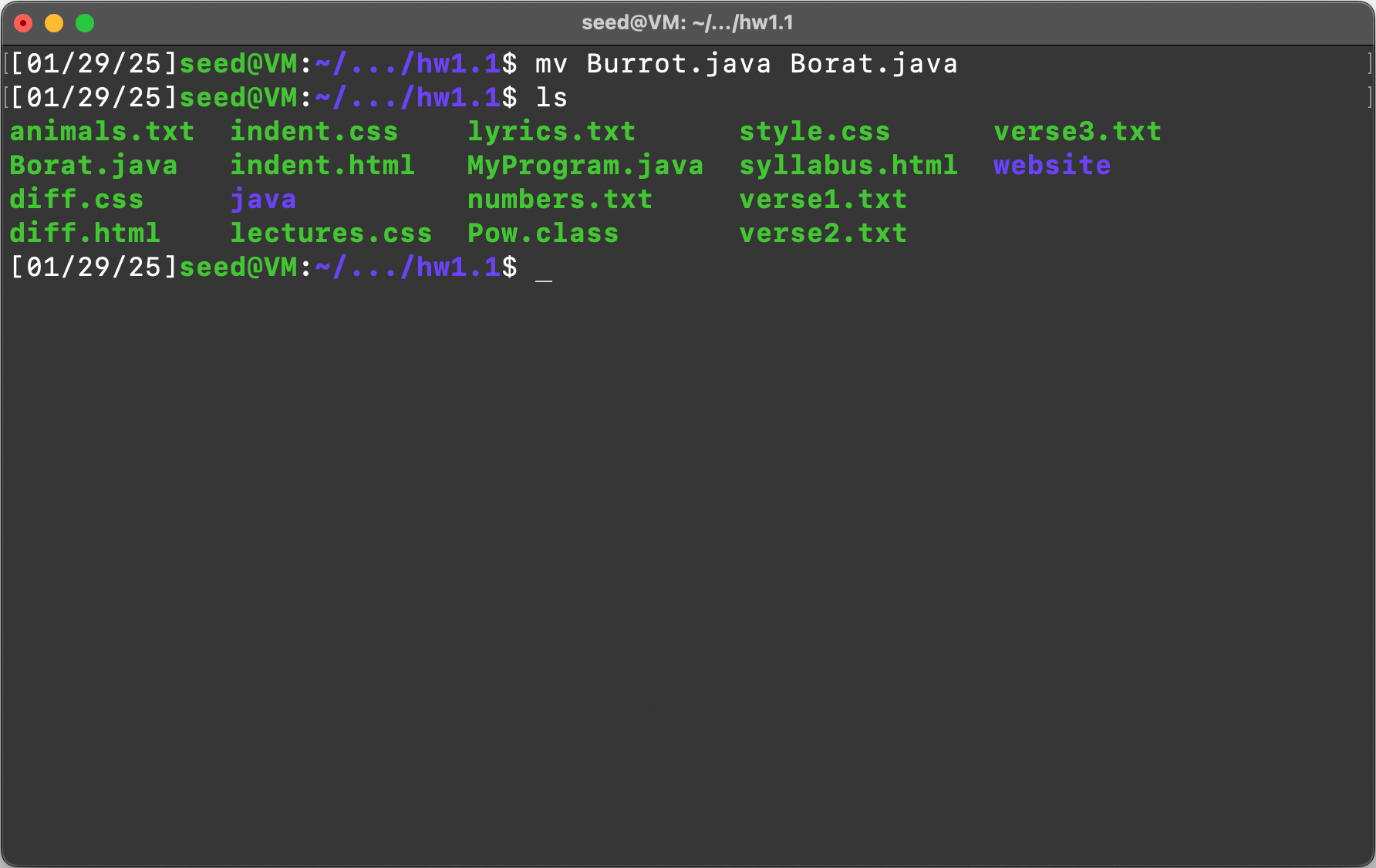
Item 4: Rename the file Burrot.java to Borat.java
Command:
mv Burrot.java Borat.java
mv command to “move” the file from Burrot.java to Borat.java, in this case renaming it.
Output:
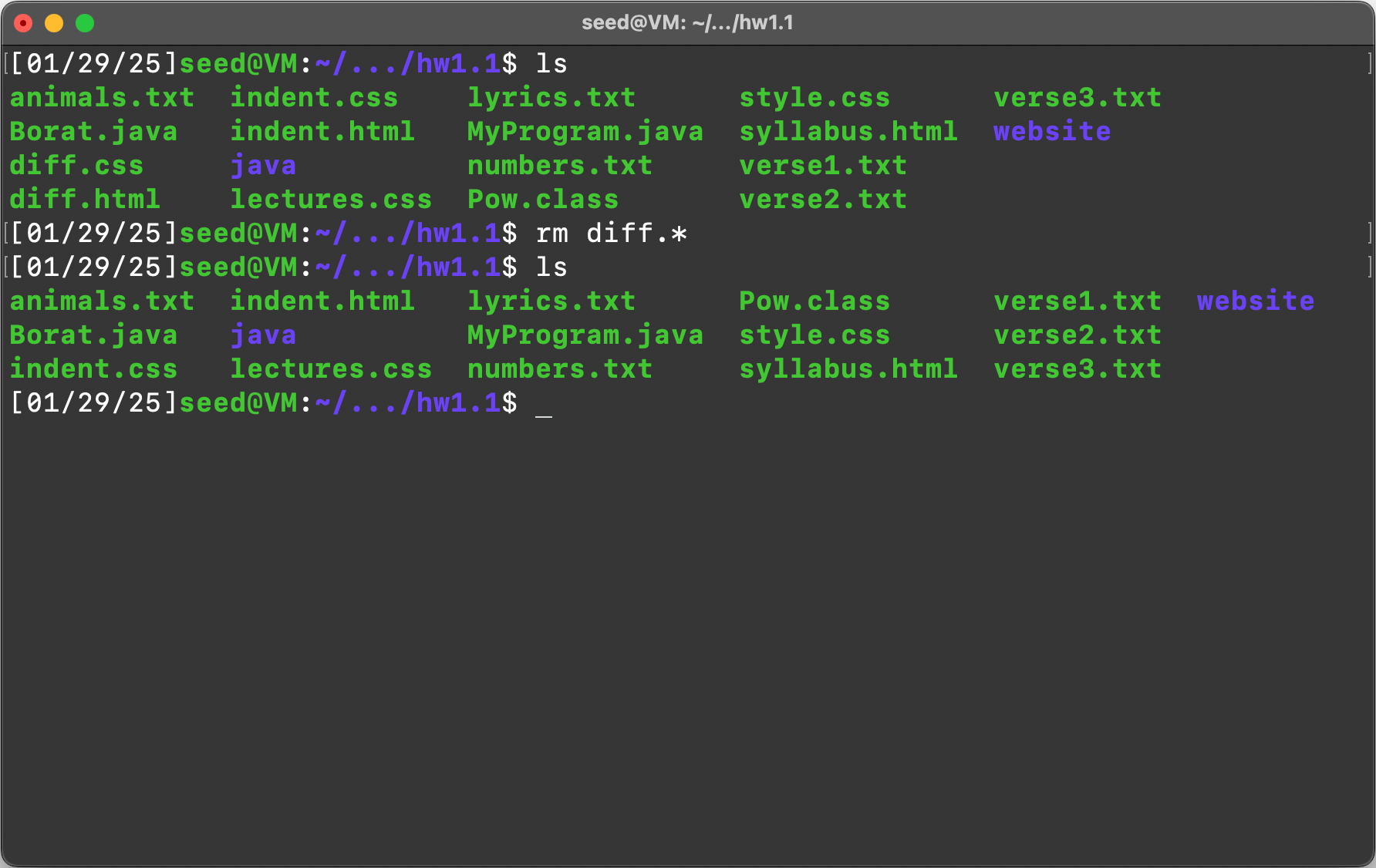
Item 5: Delete the files diff.html and diff.css
Command:
rm diff.*
Remove files with the start of “diff.” and the * the is a wildcard to remove any file type matching “diff.”
Output:
Item 6: List all web page files (files whose names end with the extension .html or .css) in the current directory.
Command:
ls -- *html *.css
List the – is a shorthand for name of file. Then *.html looks for any files html files and *.css looks for any css files.
Output:

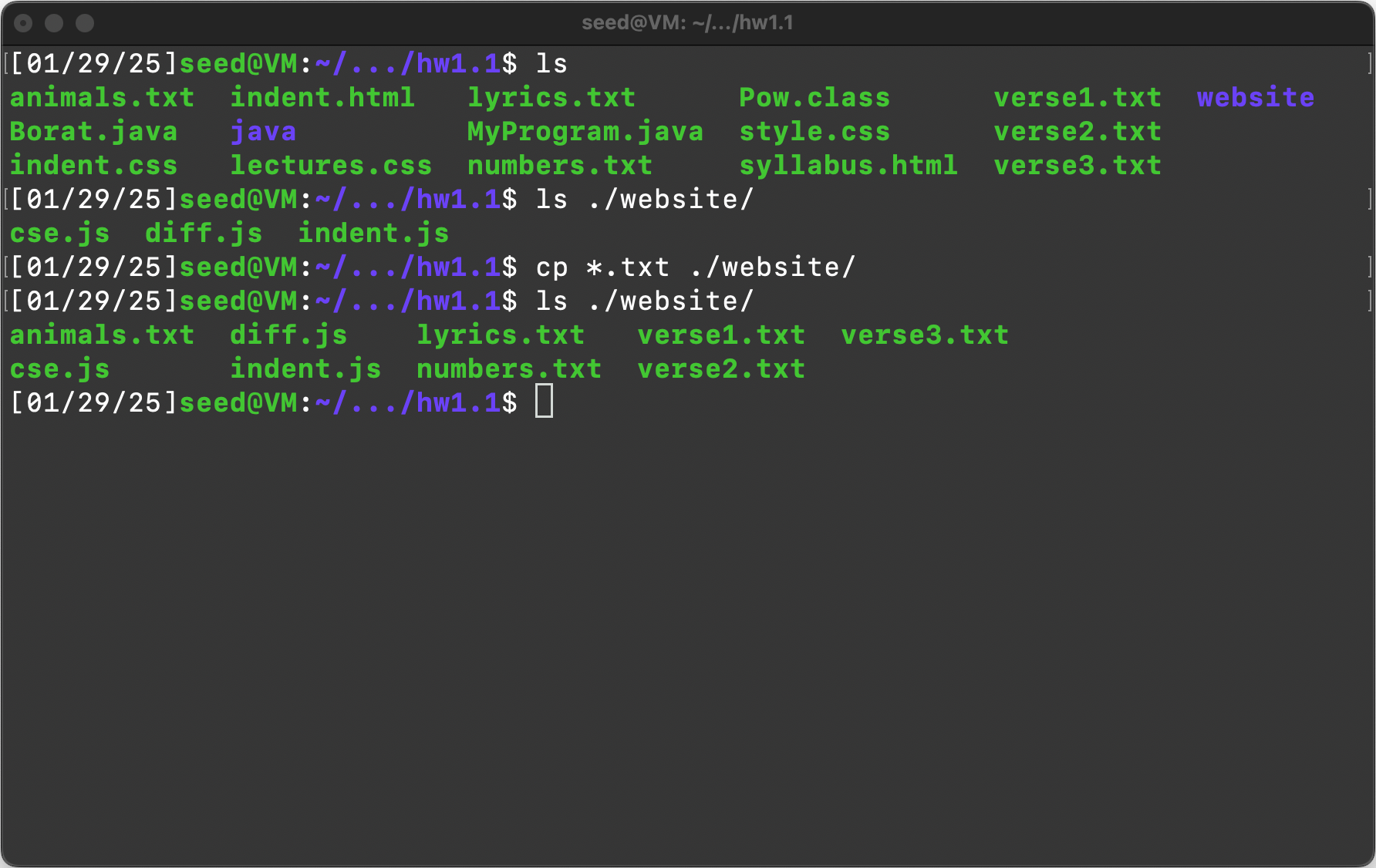
Item 7: Copy all the text files (files whose names end with .txt) from the current folder to the website subdirectory
Command:
cp *.txt ./website/
Copy any files with the ending .txt to the . current directory website directory.
Output:
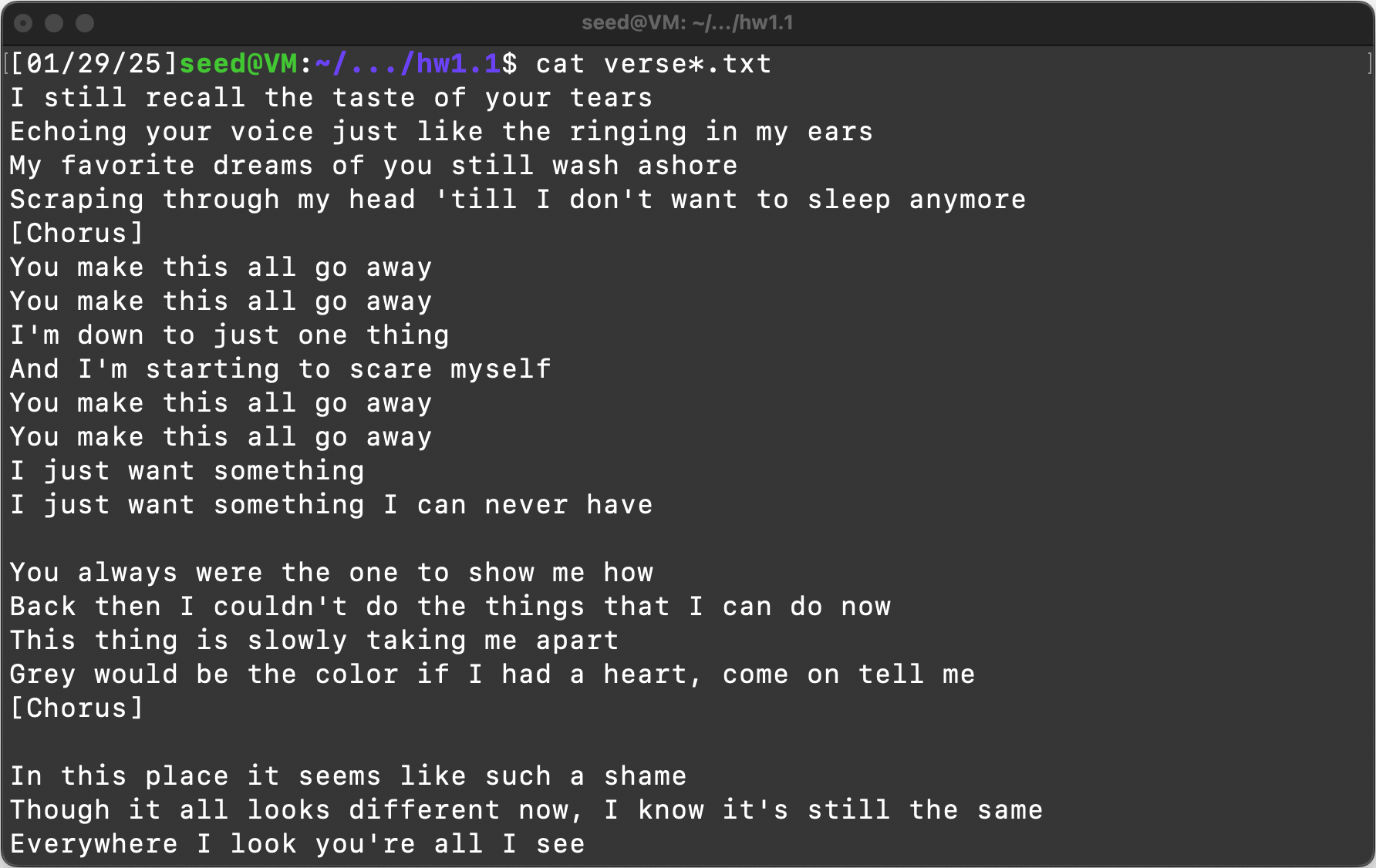
Item 8: Display the contents of all files whose names begin with verse and end with the extension .txt
Command:
cat verse*.txt
Cat to display the contents of files. Then verse is the start of the file and * to match anything after and then .txt to match the ending of the file.
Output:
Task 4:
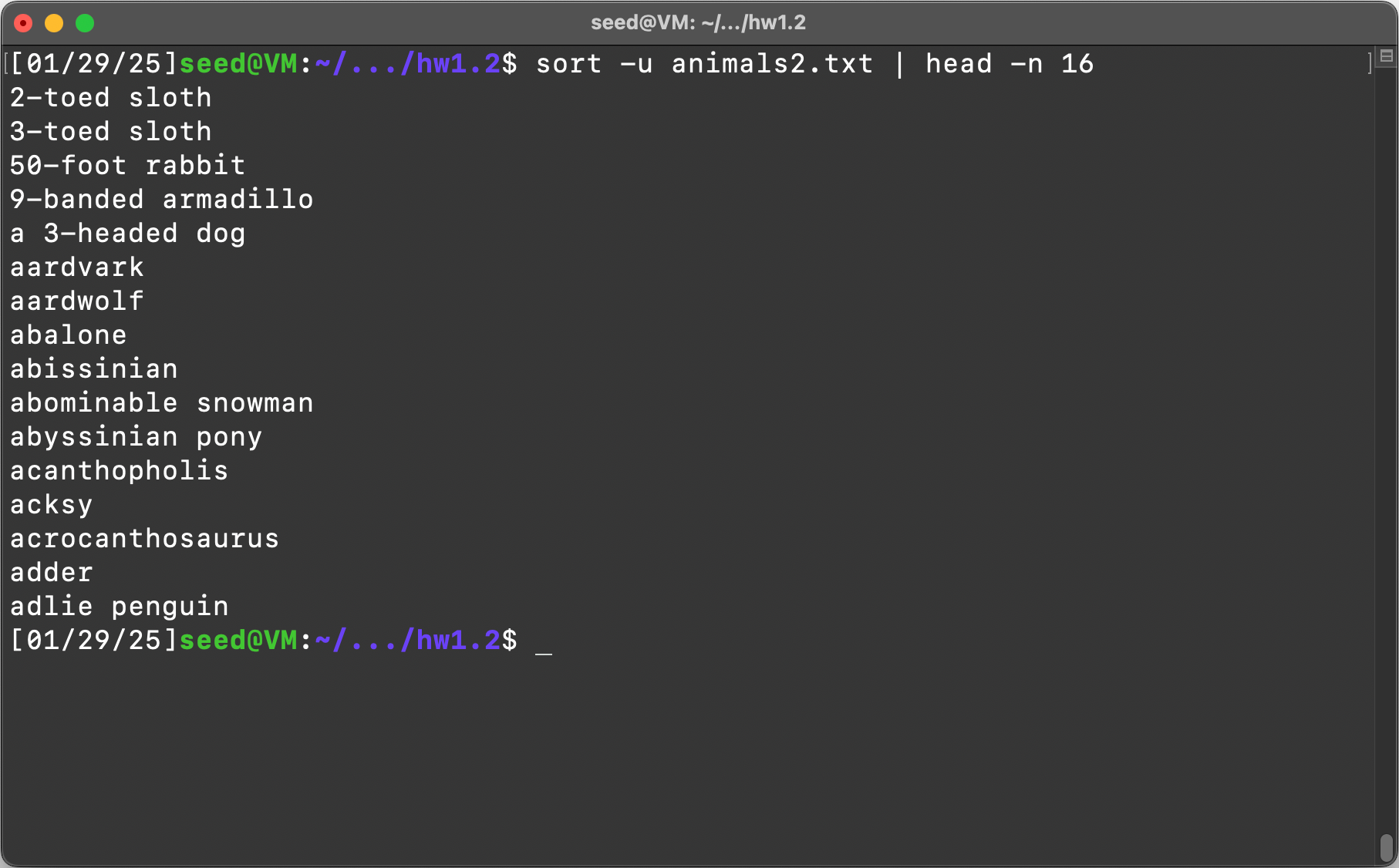
Item 1:
Command:
sort -u animals2.txt | head -n 16
sort command, -u for uniqname removes duplicates, animals2.txt is the file put in an argument, piped to head -n 16 to show the first 16 items out the output.
Output:
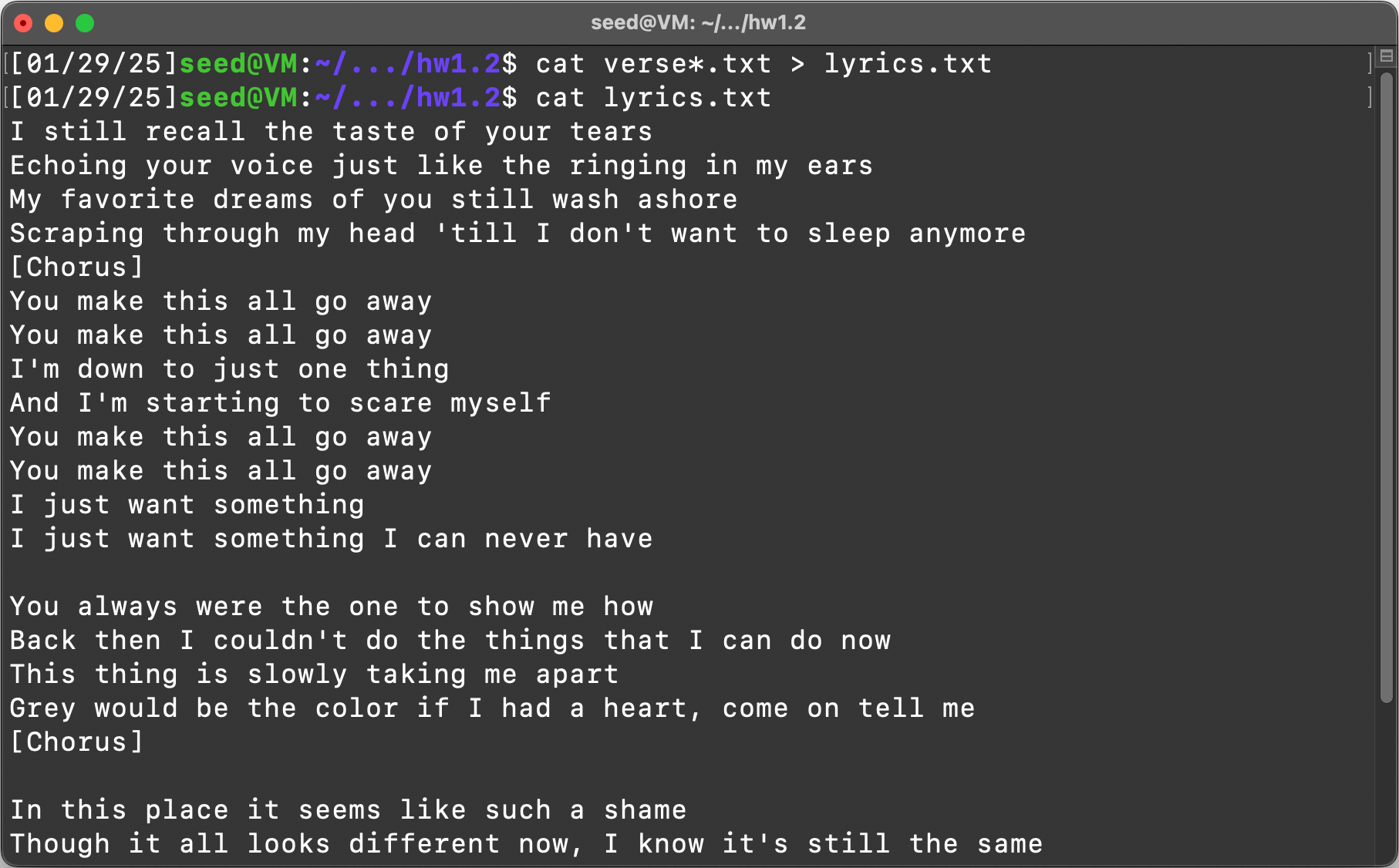
Item 2: Combine the contents of files verse1.txt, verse2.txt, and verse3.txt into a new file lyrics.txt
Command:
cat verse*.txt > lyrics.txt
cat all files that match verse(wildcard).txt and write that to lyrics.txt
Output:
Item 3: Display all lines from animals.txt that contain the word “growl” ignoring case, in reverse-ABC-sorted order and with no duplicates. Output the lines themselves only.
Command:
sort -ur animals.txt | grep -i growl
sort -ur to sort animals by unique and in reverse order, pipe that output to grep -i to ignore case of target string “growl”
Output:

Task 5:
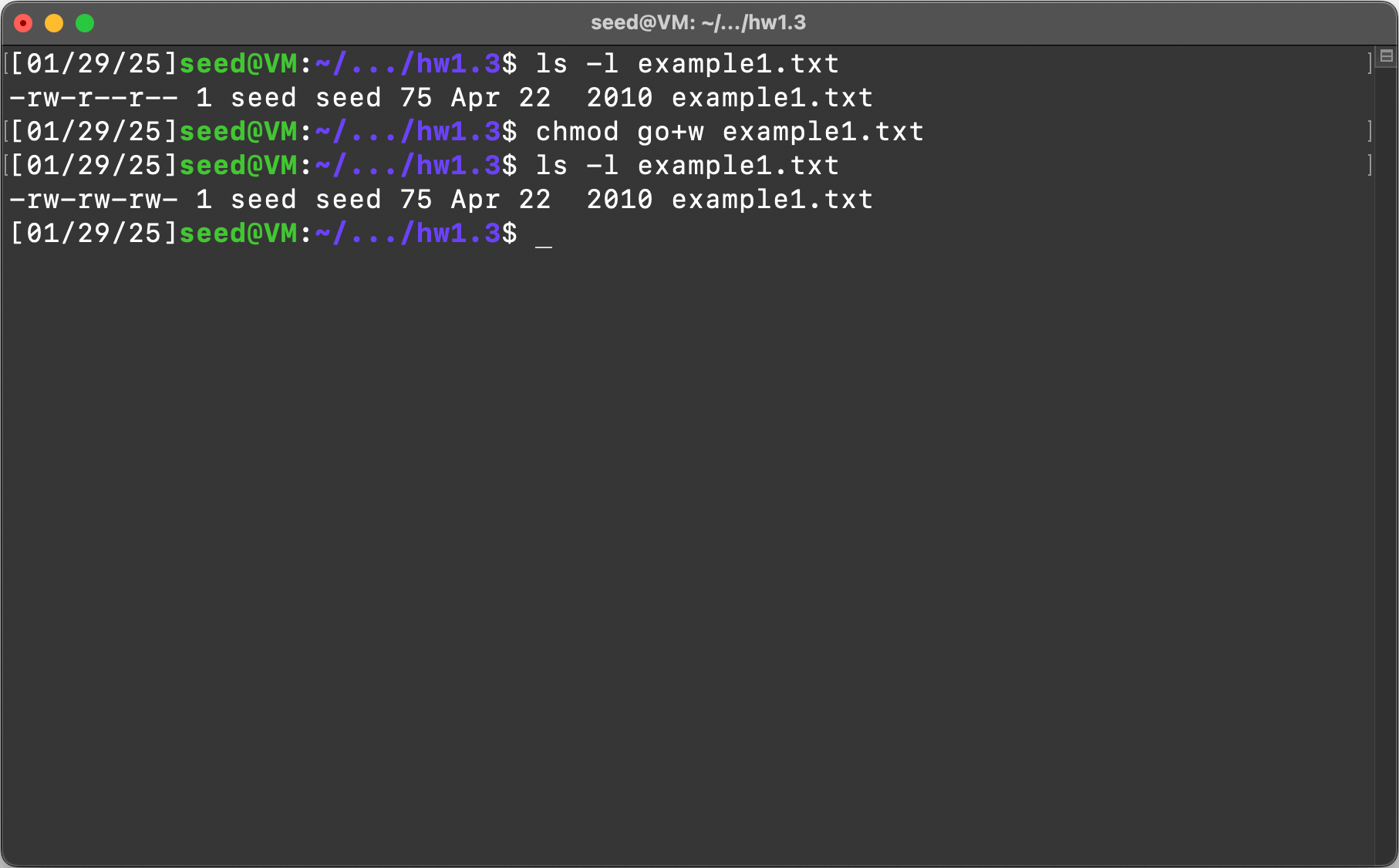
Item 1: Set the file example1.txt in the current directory so that its group and other can write to the file.
Command:
chmod go+w example1.txt
Change modification of g (group) and o (other) + adds w (write) permission to the example1.txt
Output:
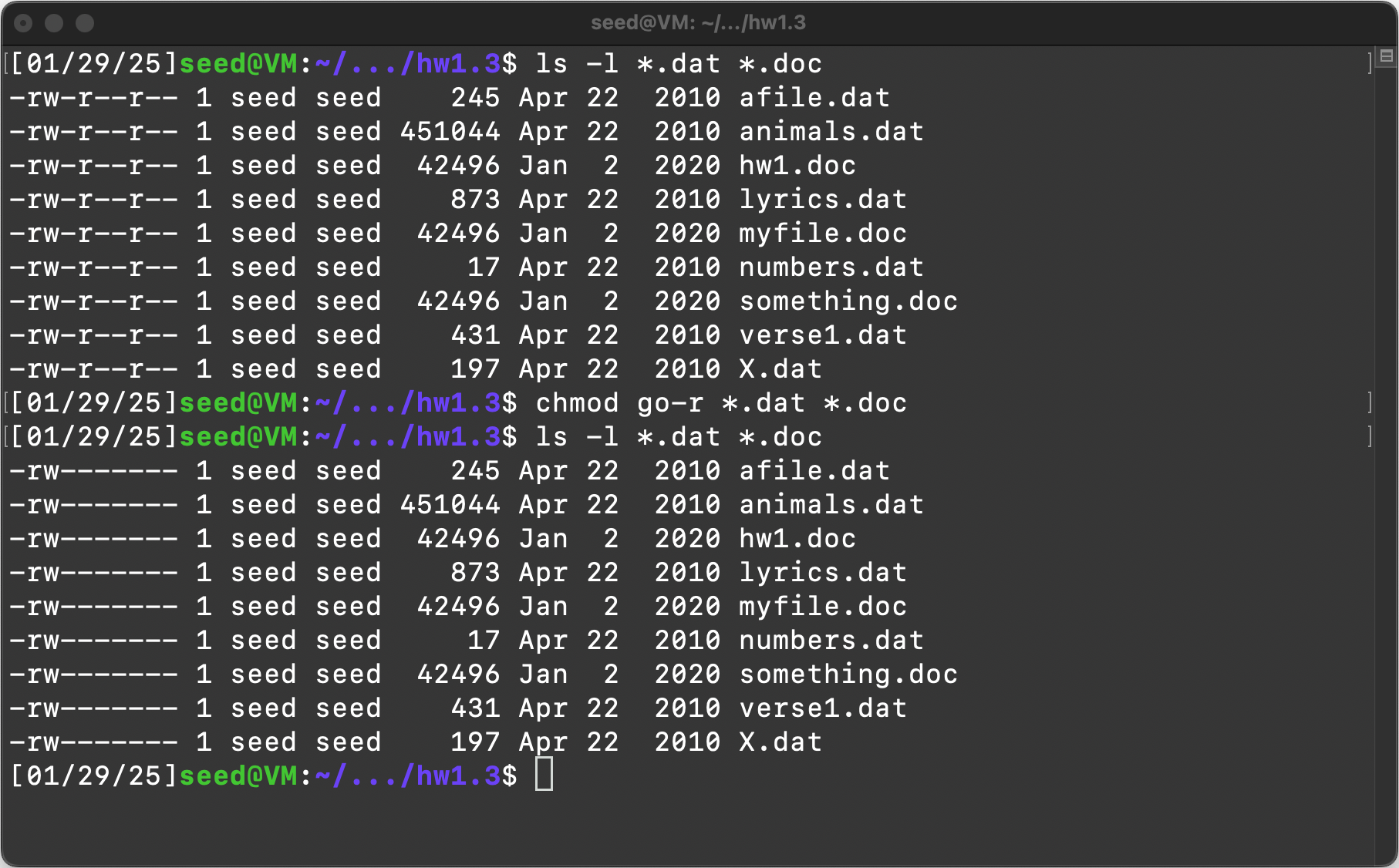
Item 2: Set all files with extensions .dat and .doc to be read/writable (but not executable) by their owner, and to have no access from others.
Command:
If you know the current permissions:
chmod go-r *.dat *.doc
Chmod g(roup) o(other) - (remove) r(ead permissions)
If you don’t know the current permissions:
chmod u=rw,go= *.dat *.doc
Chmod u(ser) set to r(ead)w(rite), g(roup)o(other) set to nothing on all dat and doc files.
Output:
.png#center)
Item 3: How many users exist on this Linux system that use the Bash shell by default?
Command:
grep “/bin/bash” /etc/passwd | wc -l
grep for string “/bin/bash” in the passwd file, pipe that output to wc (word count) and -l is for newline count.
Output:

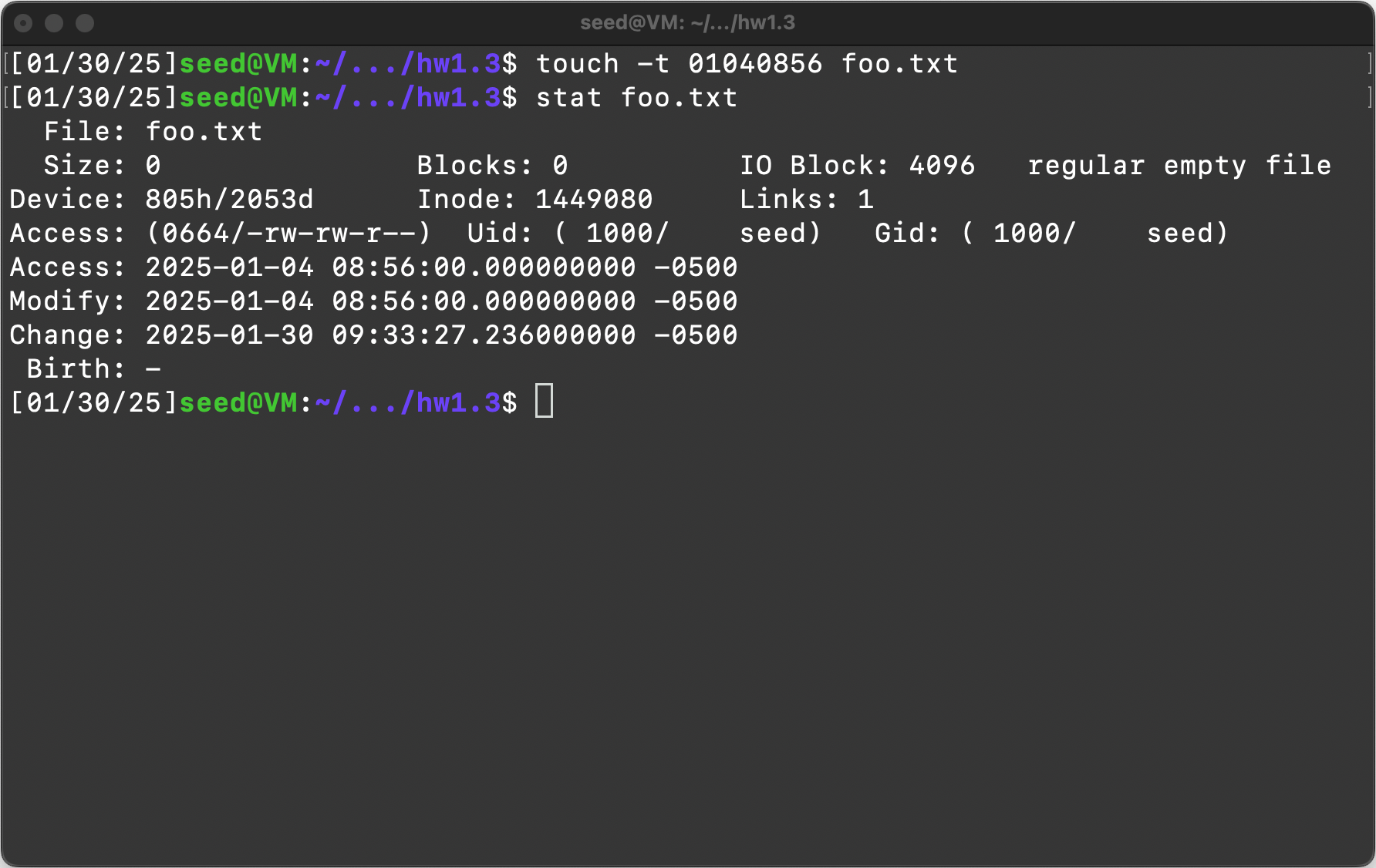
Item 4: Create a file foo.txt using the “touch” command. Change the file’s last-modified date to be January 4 of this year at 8:56am
Command:
touch -t 01040856 foo.txt
touch -t to set time modified and then 01 is for January, 04 is for the 4th of January, 08 is for 8am, and 56 is for 8:56am, foo.txt is the name of the file.
Output:
Conclusion:
I very much enjoyed this assignment. I took an Intro to Linux class at my local community college while I was in high school and this took me right back there. I think having the ability to work quickly in the command line is a great skill to have. My recommendation is that people take a look at these two websites/talks/courses if they are interested in the same topics:
As you may be able to tell I’m very interested in the “poweruser” type of things so this was a nice exercise. I think so far these topics and skills is something that all computer science students should have within in their first or second year.